Smart Bible apps · Android
A translation or plan will not download
Check connectivity, storage and downloaded content, then report loading errors in Smart Bible for Android.
Smart Bible team · For version 4.x
Button names match the English interface; screenshots show the English interface.
On this page
A catalogue can show material that is not downloaded yet. Open the translation text or plan assignments to check. Save any error message before retrying.
Check connection and storage
- Open a familiar webpage to test the connection.
- Restore the connection if needed, then return to the app.
- Check free storage in Android settings.
- Retry the material’s download and wait for completion.
If the catalogue was showing a cached list offline, reopen it after reconnecting.
If a translation will not download
- Open the top-right translation selector in Bible.
- Choose Other translations and find the language and edition.
- Open the translation card and retry the download.
- Select the downloaded translation and open a chapter.
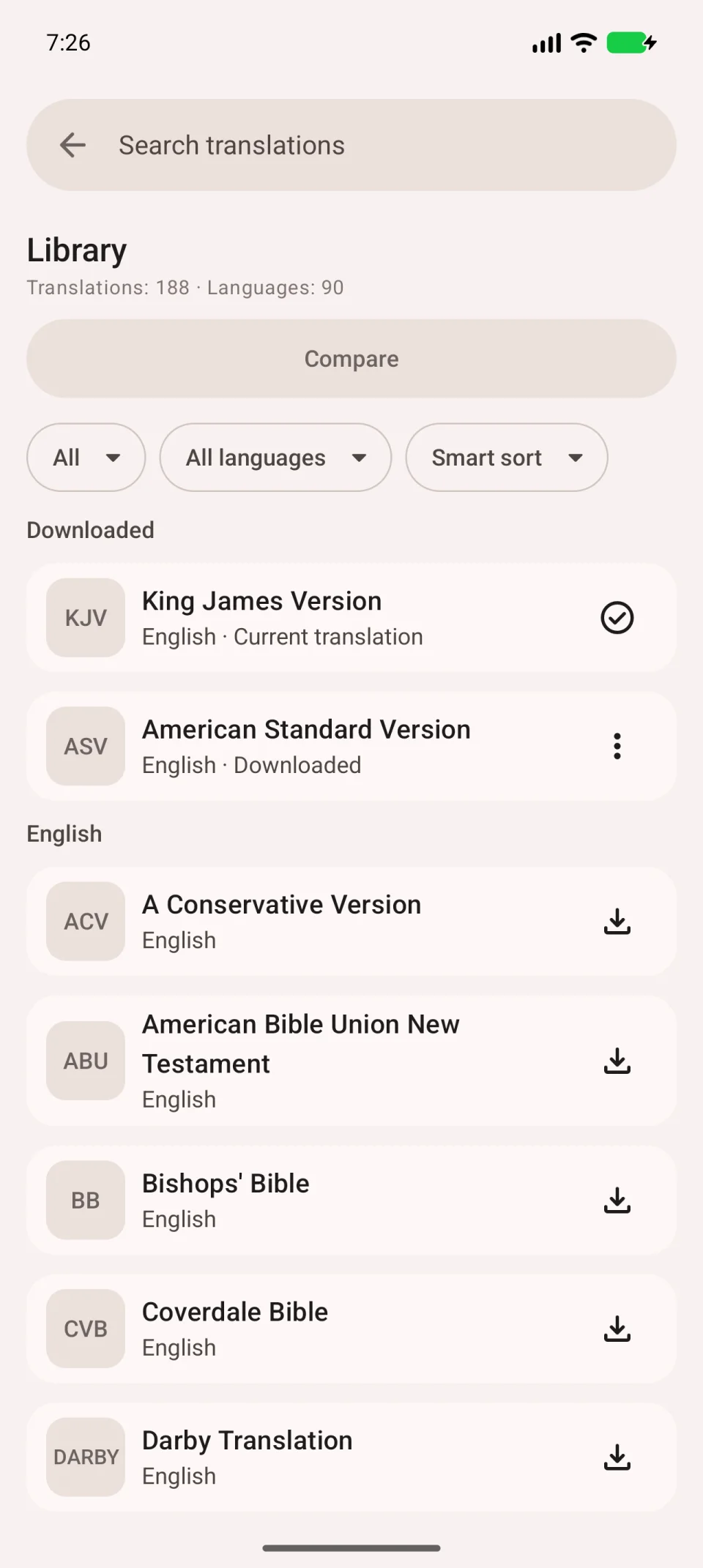
Seeing chapter text is a better check than seeing a catalogue card. If the app reports damaged material and offers another download, follow that message. See download steps.
If a plan will not download
Open Plans → Find plans, find the plan and open its description. Tap Download, wait for assignments, then find it under My plans.
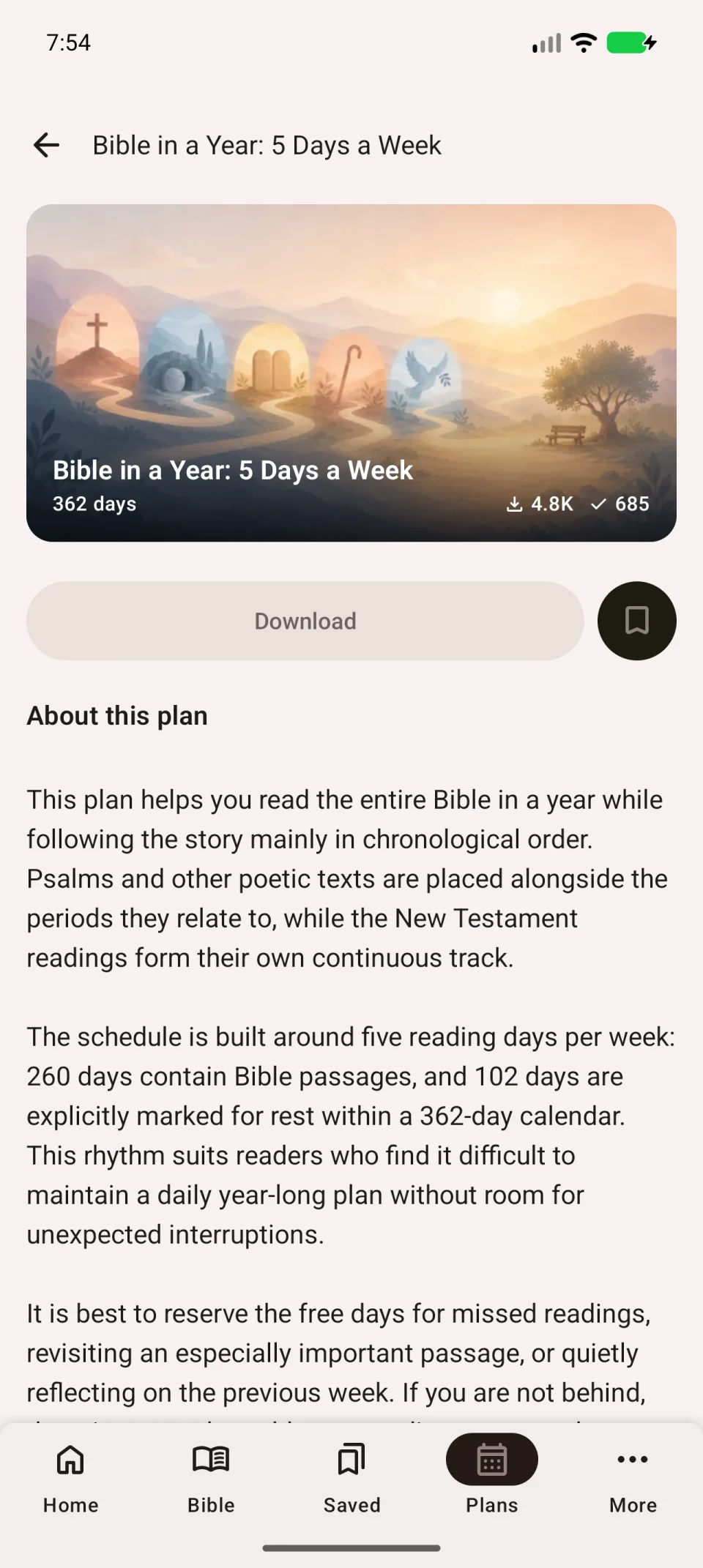
If assignments appear but a passage will not open, check the Bible translation. Plans and translations download separately, and the chosen edition may lack a book. Select a downloaded translation containing the passage.
If retrying fails
Do not clear all app data for one material; that affects local entries. Avoid deleting a started plan unnecessarily, because deletion clears its current marks.
Tell support the material name, language, app version, exact error and failing step. Attach an error screenshot if available.