Smart Bible apps · Android
How to find and download a translation
Browse languages, check edition details and download a Bible for offline reading in Smart Bible for Android.
Smart Bible team · For version 4.x
Button names match the English interface; screenshots show the English interface.
On this page
A translation is a Bible text in a particular language and edition. You can store several translations in one app and switch between them. The first download requires internet access and free storage.
Open the library
- Open Bible.
- Tap the translation abbreviation at the top right. The illustrations show KJV.
- Choose Other translations.
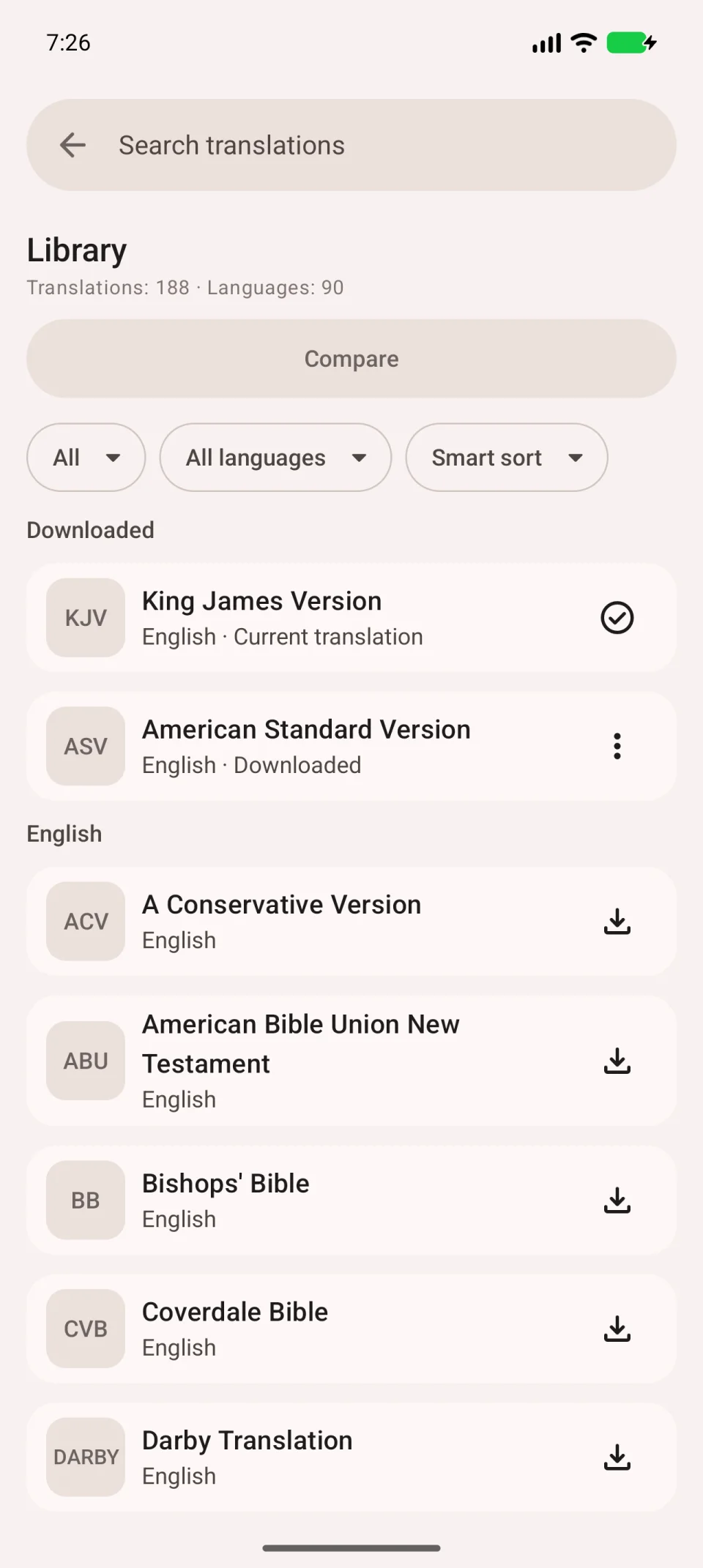
The library includes downloaded translations and those available to download. Use search and the language filter to find one.
Check the details first
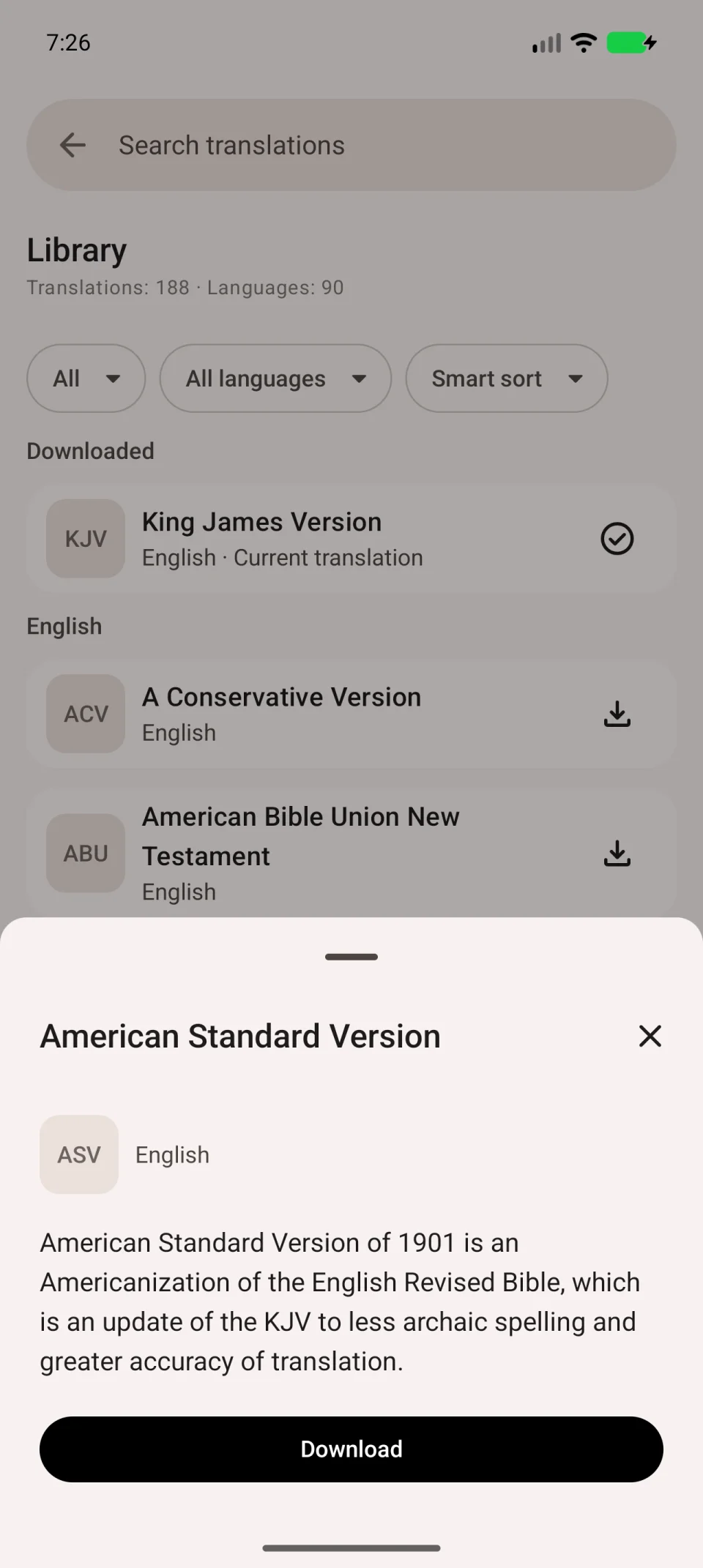
Tap a translation’s name to open its card. Read its description: name, language and contents help distinguish editions with similar abbreviations. The library’s language filter selects the language of the Bible text; it does not change the app’s buttons.
Download and check the text
- Tap Download on a translation that is not yet downloaded.
- Wait for completion without disconnecting.
- Open the downloaded translation for reading.
- Open a chapter and check that the text appears with the right abbreviation above it.
The video shows ASV before and after download. Your translation may have a different name.
For offline use, also try opening a chapter with the connection disabled. A catalogue card or a started download does not mean the complete text is saved.
If downloading does not finish, see download troubleshooting. To open two downloaded translations together, see comparison.