Smart Bible apps · Android
How to find and organise saved entries
Search bookmarks, notes and highlights, use filters and change their order in Smart Bible for Android.
Smart Bible team · For version 4.x
Button names match the English interface; screenshots show the English interface.
On this page
Saved stores bookmarks, notes and highlights. If an entry is missing, first check the tab, search query and filters; they may be hiding it.
Choose an entry type
- Tap Saved in the bottom navigation.
- Choose Bookmarks, Notes or Highlights. The all-entries tab shows them together.
- Find an entry by its title or passage reference.
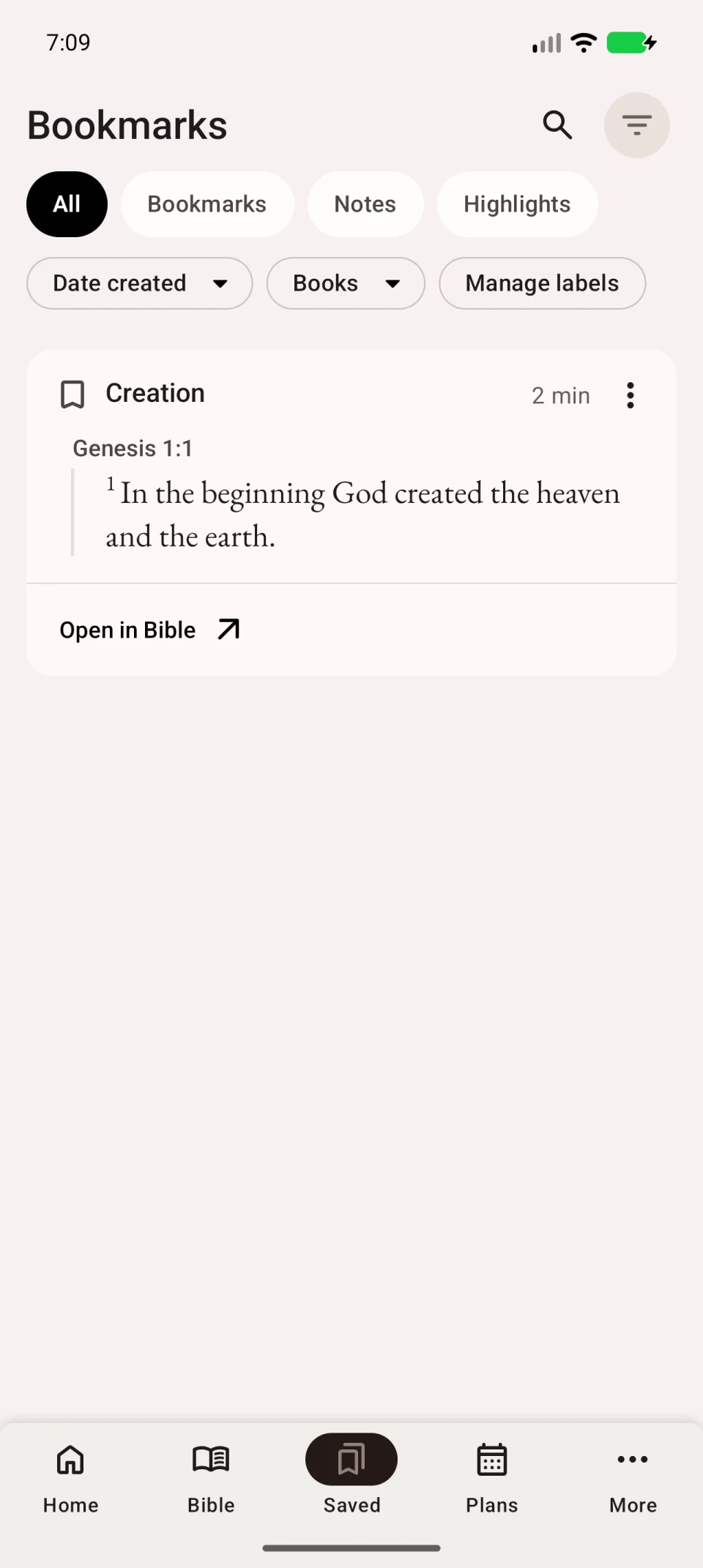
Search by title
Tap the magnifying glass at the top right and enter a query. Start with part of a custom title you remember. The example searches for a bookmark titled Creation.
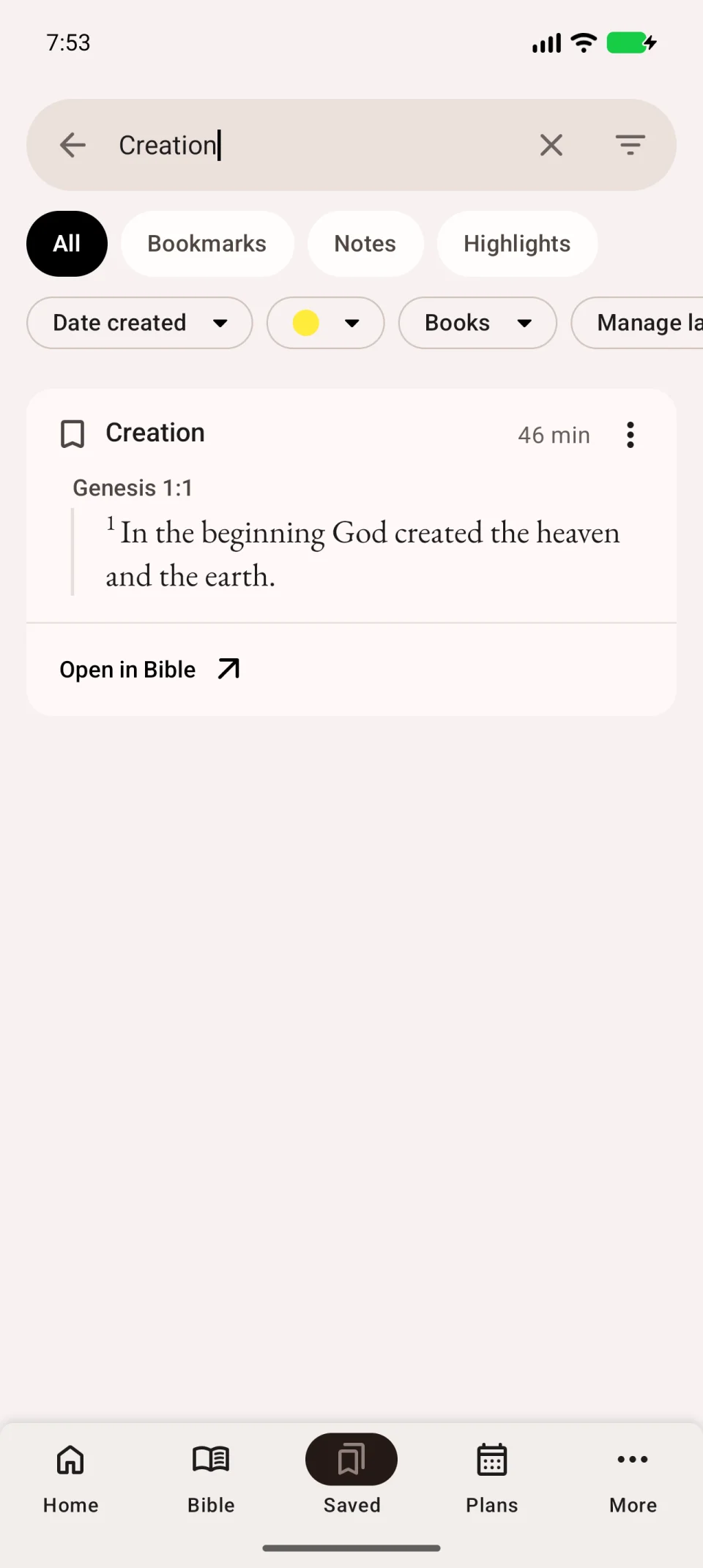
Filter and sort
Tap the filter icon at the top right if the panel below the tabs is hidden. Limit the list by books, chapters or labels. Open Manage labels to work with labels.
The same panel offers sorting by verse position, title, creation date or modification date. Verse order helps when studying one book; date order helps find recent entries.
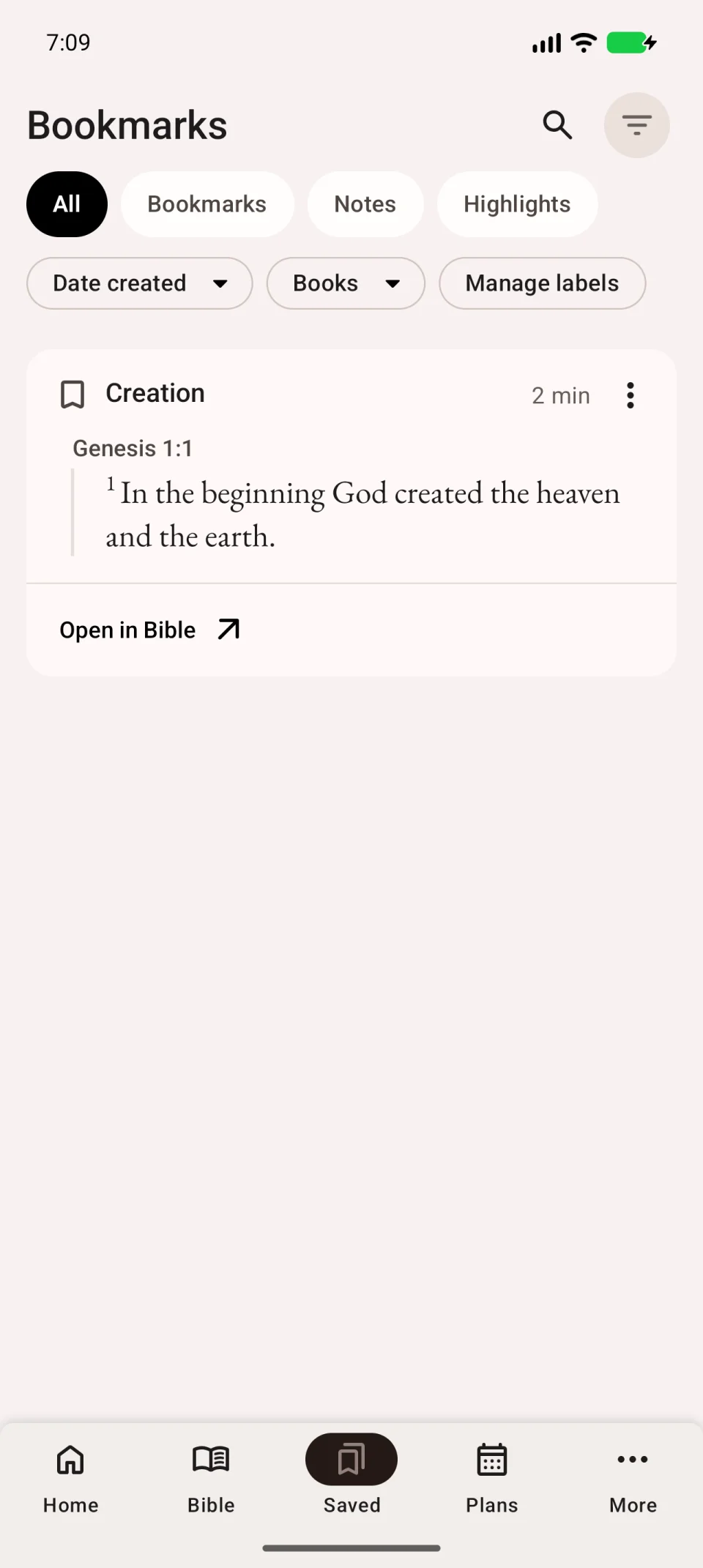
Open or change an entry
Tap Open in Bible on a card to read the passage in context. You can expand a long passage in the list itself. Use the entry’s three-dot menu to edit or delete it; check the reference and title before deleting.
If the list is empty, clear the query, remove filters and check the other tabs. If an entry exists on another phone but not here, see sync troubleshooting.